User Registration:To access our paid quizzes, you must first register an account on “barexam wizards”. Click on the “Log In” button.Fill in the required information and follow the prompts to complete the registration process.
Login Process: Once you have registered, Click on the “My Account” button to access your account.
Order Details:
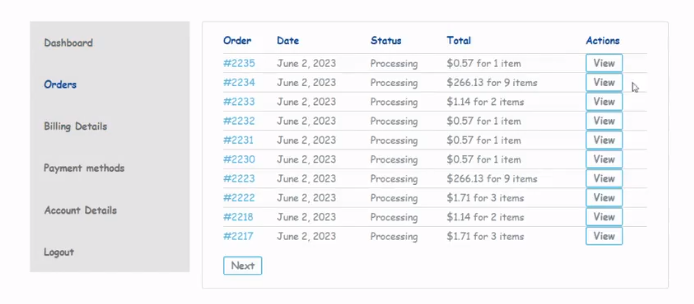
Viewing Orders: In the “Orders” , you can review your order history. This includes details of the products you have purchased, along with the order date, order number, and order status.
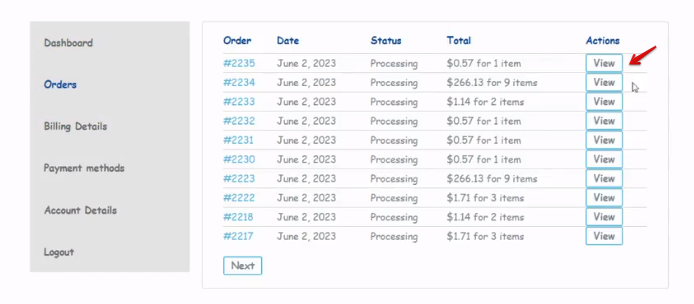
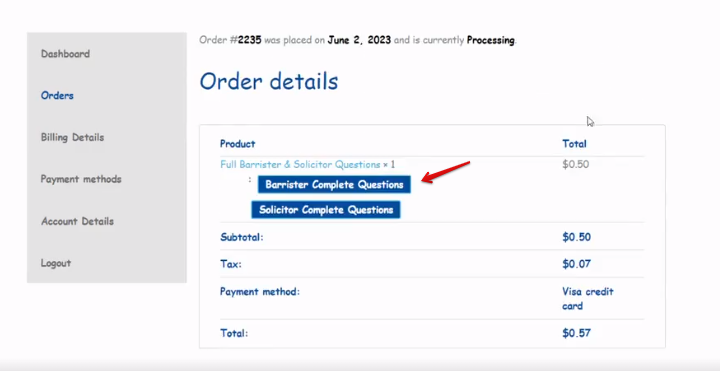
Viewing Order Details: To access the details of your orders, simply click on the View button. This will direct you to the order details page, where you can review information such as the order date, items purchased, and other relevant details. Additionally, you can also access your quiz URL from this page.
Accessing Your Quiz:Under the “Order Details” section, you will find a direct button to access and open your quiz. This URL will provide you with a convenient way to start your quiz and begin answering the questions.
Billing Details:
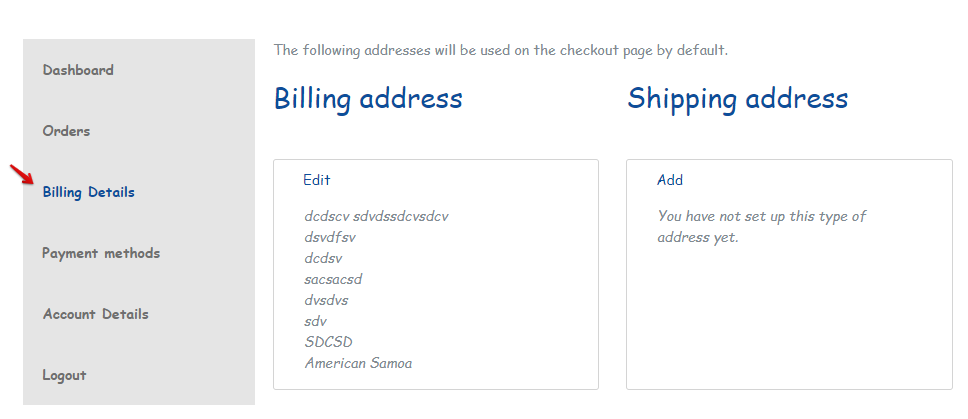
Viewing Billing Information: In the “Billing”, you can access your billing details. This includes your billing address, contact information, and any additional billing-related information you have provided.
Updating Billing Information: To update your billing information, simply click on the “Edit” button in the billing details section. This will enable you to make any necessary changes.
Payment Details:
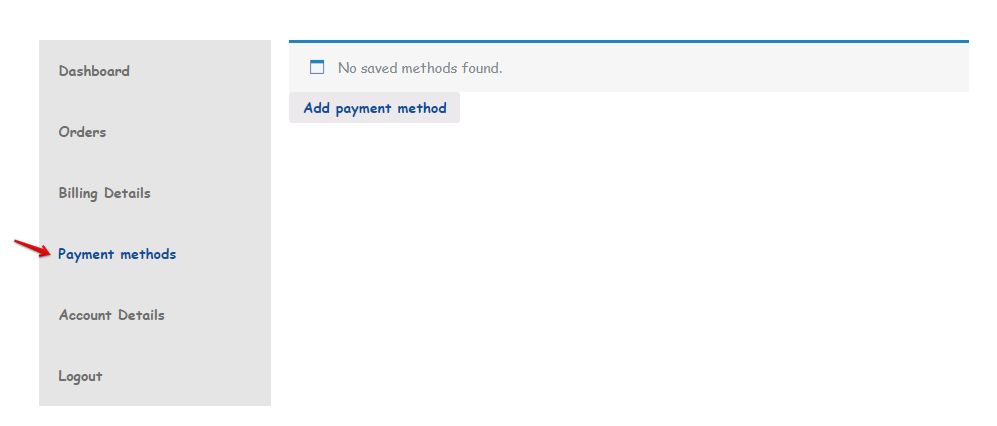
Viewing Payments: In the “Payments Method” you can add payment method.This includes details of your payment history, such as the date, amount, and payment method used.
Account Settings:
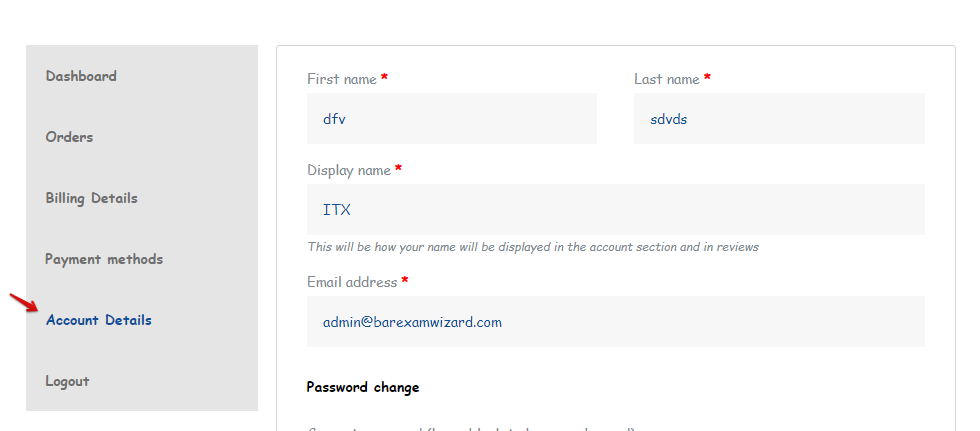
Account Information: Access the “Account Details” to view and manage your account information. This may include your username, email address, password, and other personal details. Ensure that your account information is accurate and up to date.
Retaking Quizzes:
Fresh Account for Quiz Retakes:If you wish to retake the quizzes, you can create another account. By creating a new account, you will have a fresh start and the opportunity to retake the quizzes. Simply register for a new account and follow the guidelines provided to access the quizzes and begin your exam preparation journey.
How To Access Your Quiz From "MY Account"
If you encounter any issues or have questions regarding your payments, billing, orders, or account details, please reach out to our support team for assistance. We are here to help you with any concerns you may have.